Lightbi is a modern, elegant Hugo theme focused on readability, performance, and content-first design. It offers a clean, minimal experience for personal blogs, digital gardens, and long form writing, with two homepage modes, Profile for personal introductions and Blog for content driven sites, plus responsive layouts and light/dark mode support.
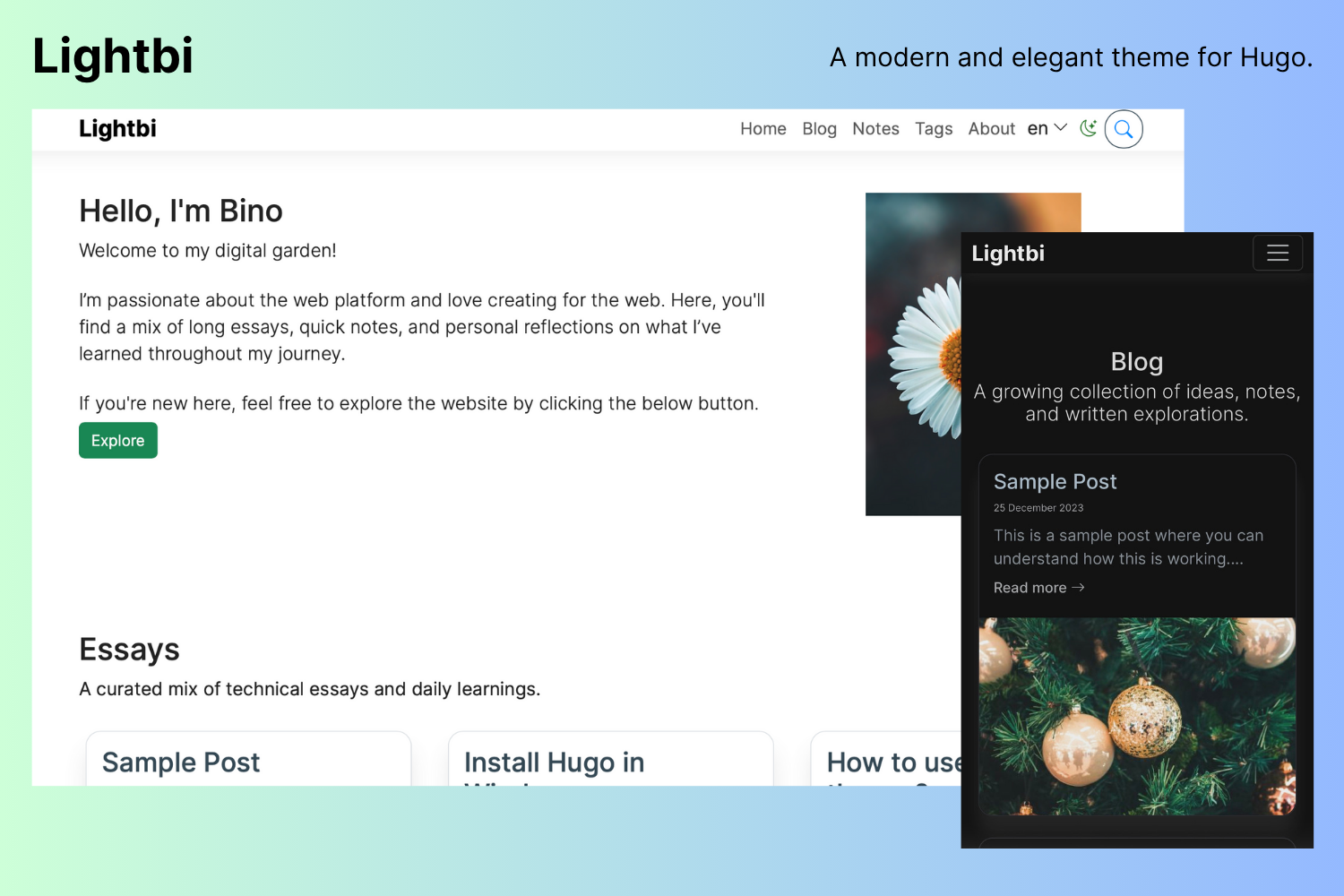
Lightbi profile and blog home page
Demo & GitHub
Screenshots
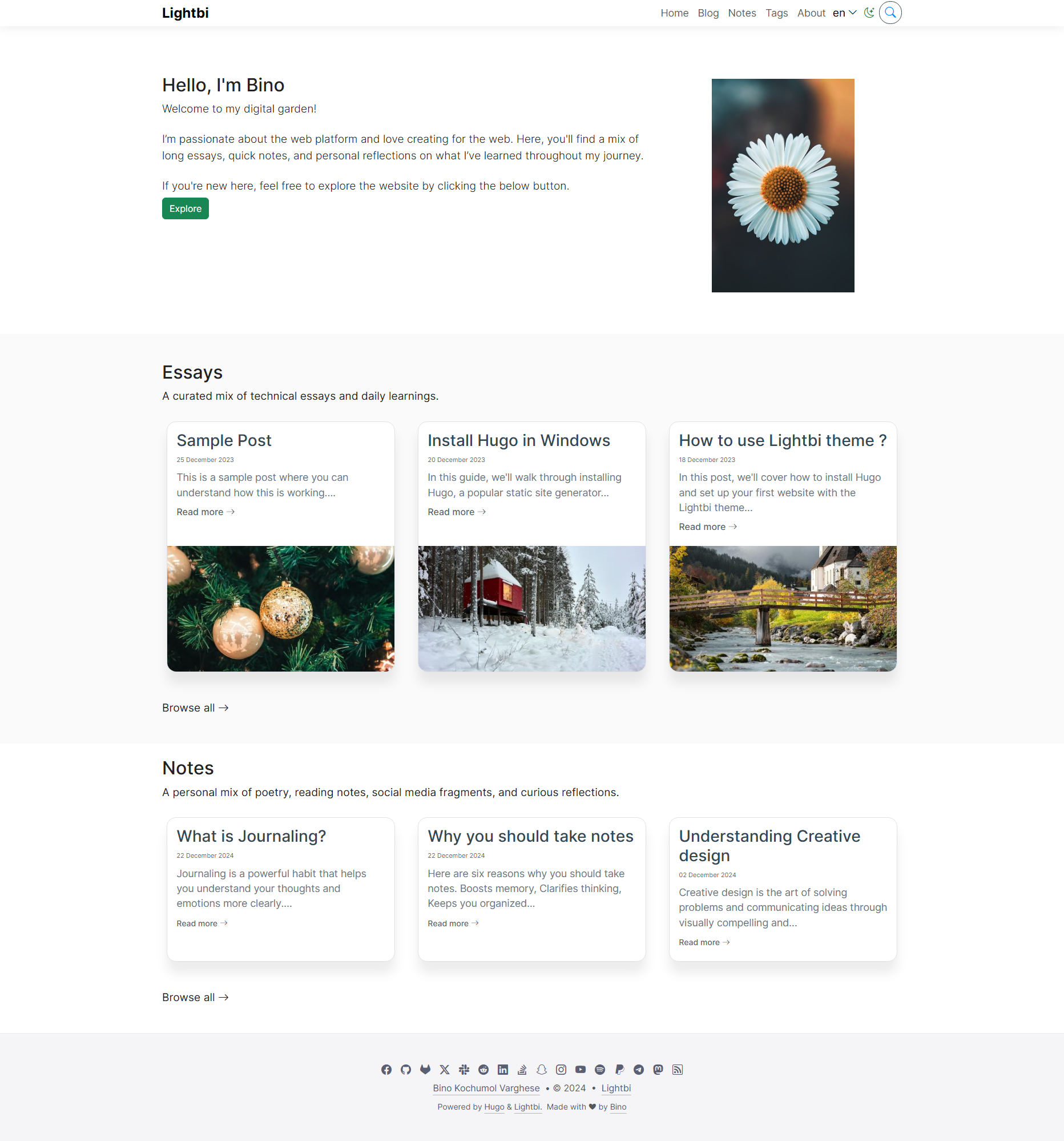
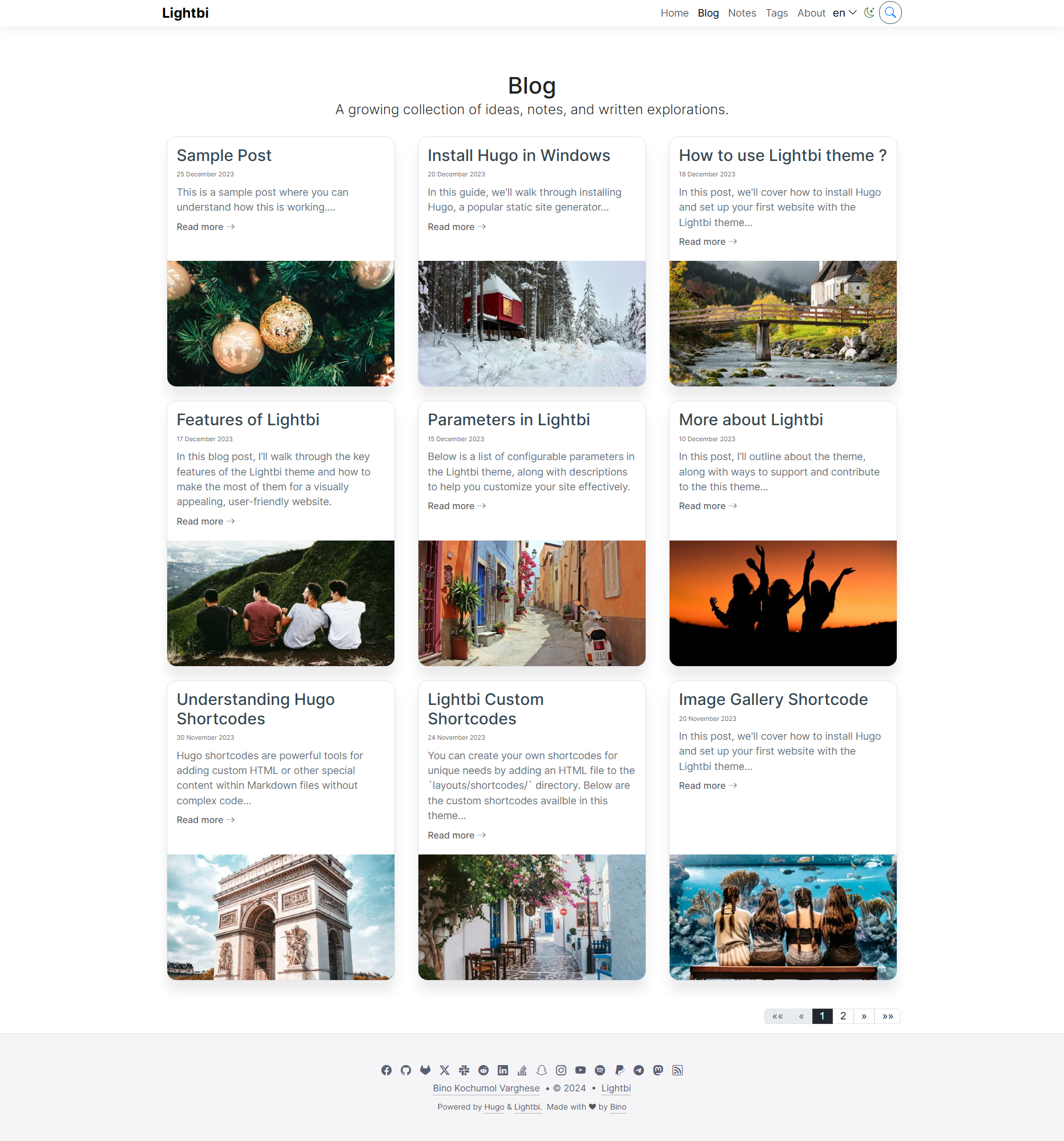
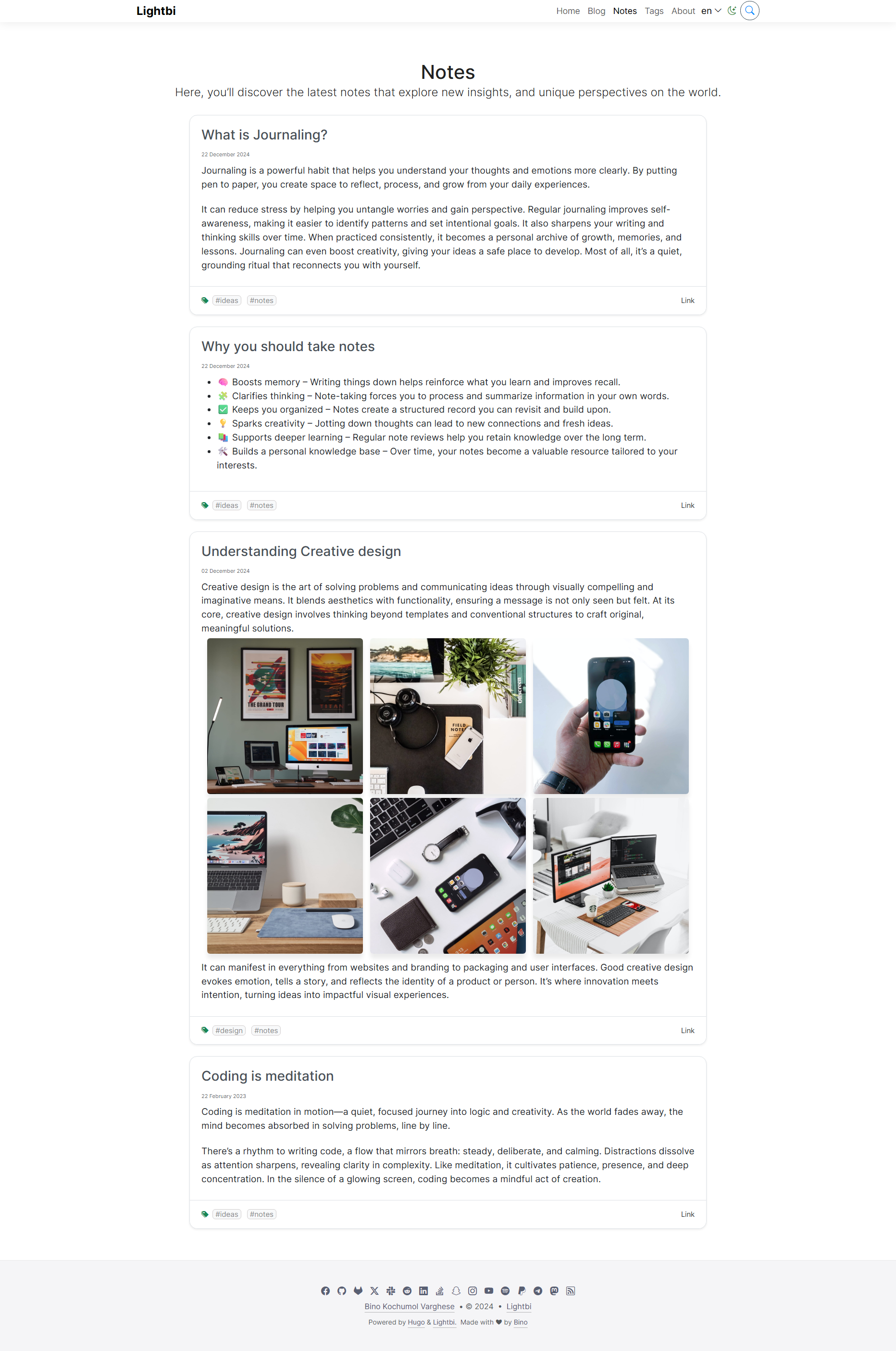
You can find the screenshots of the theme below:
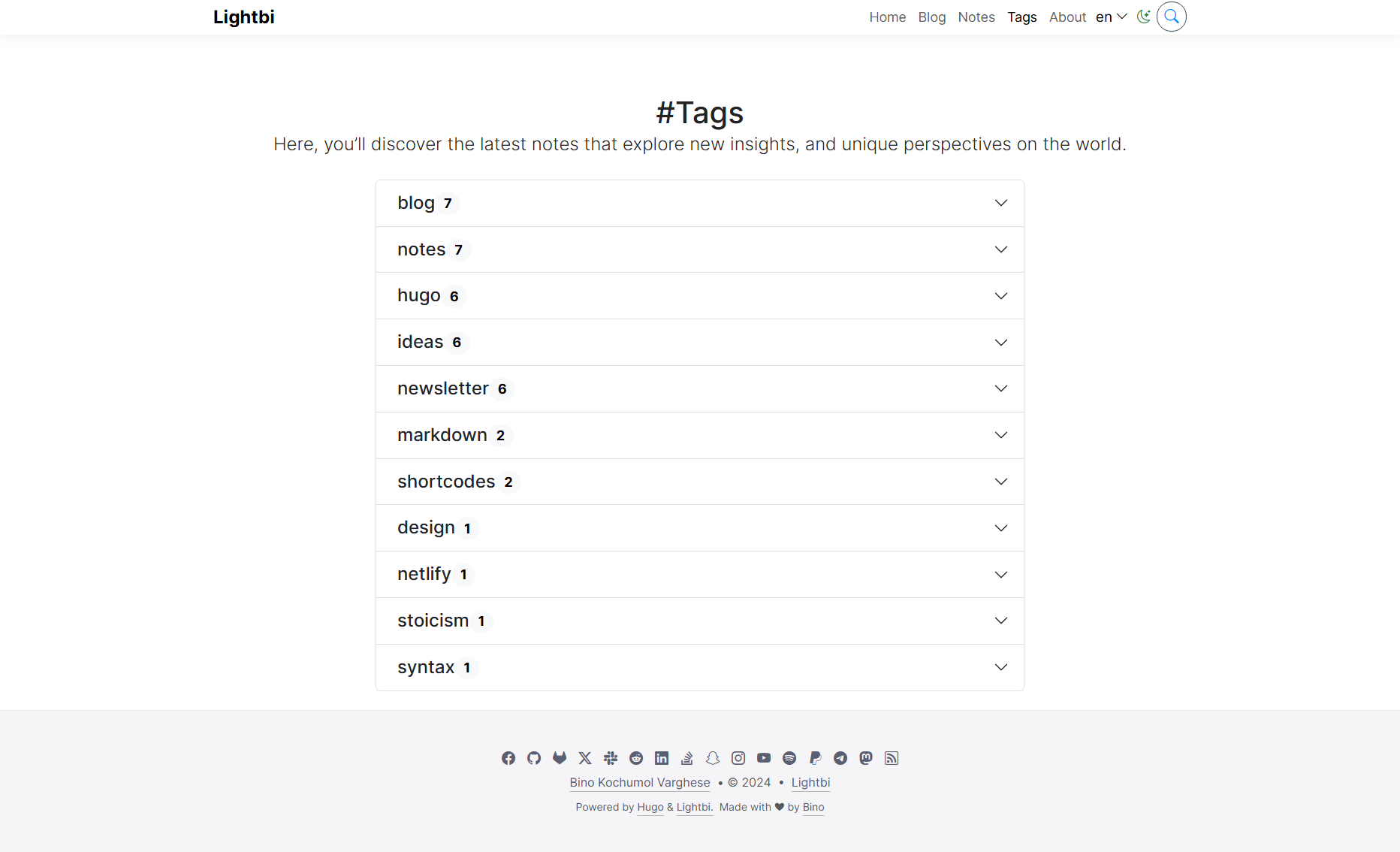
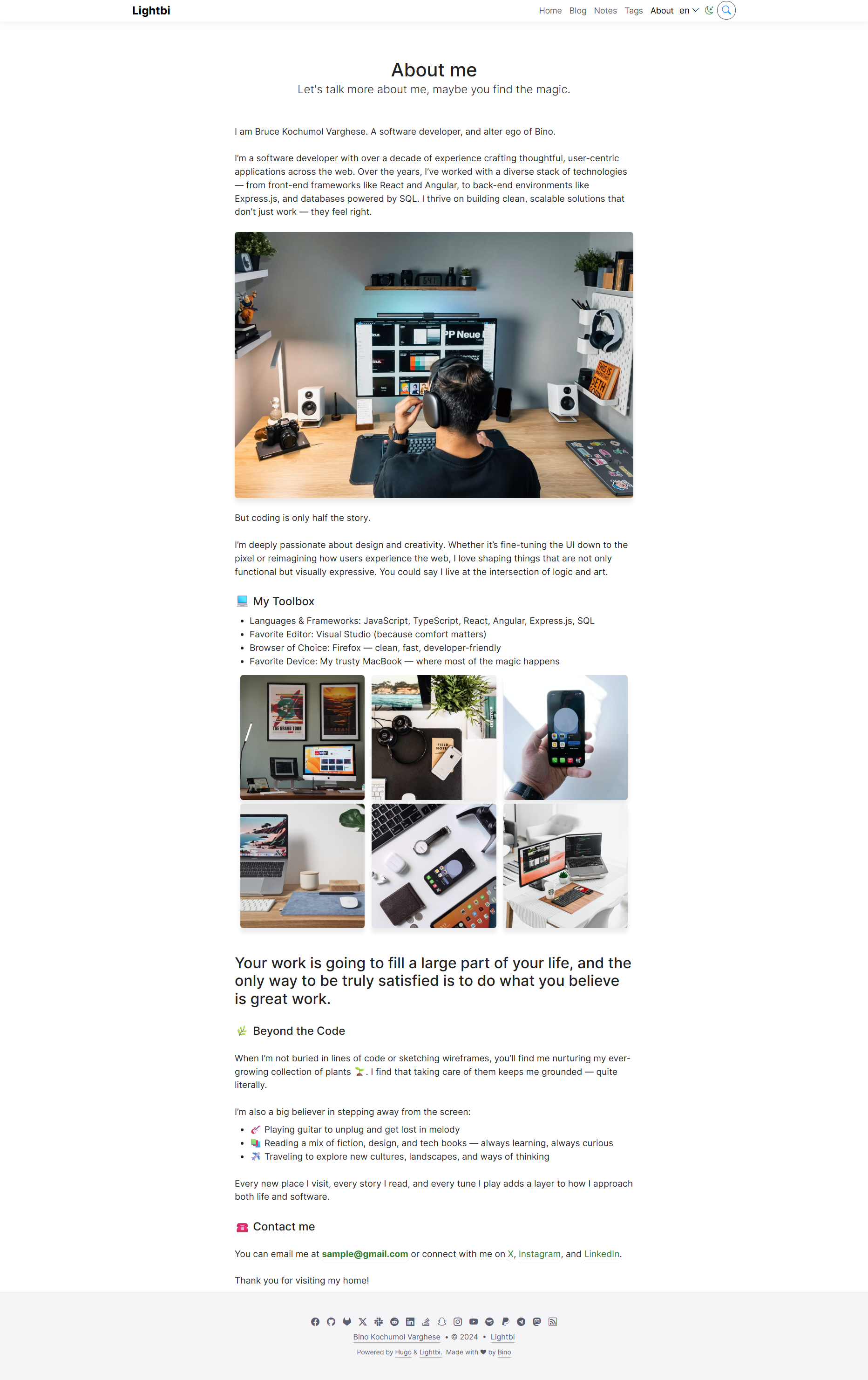
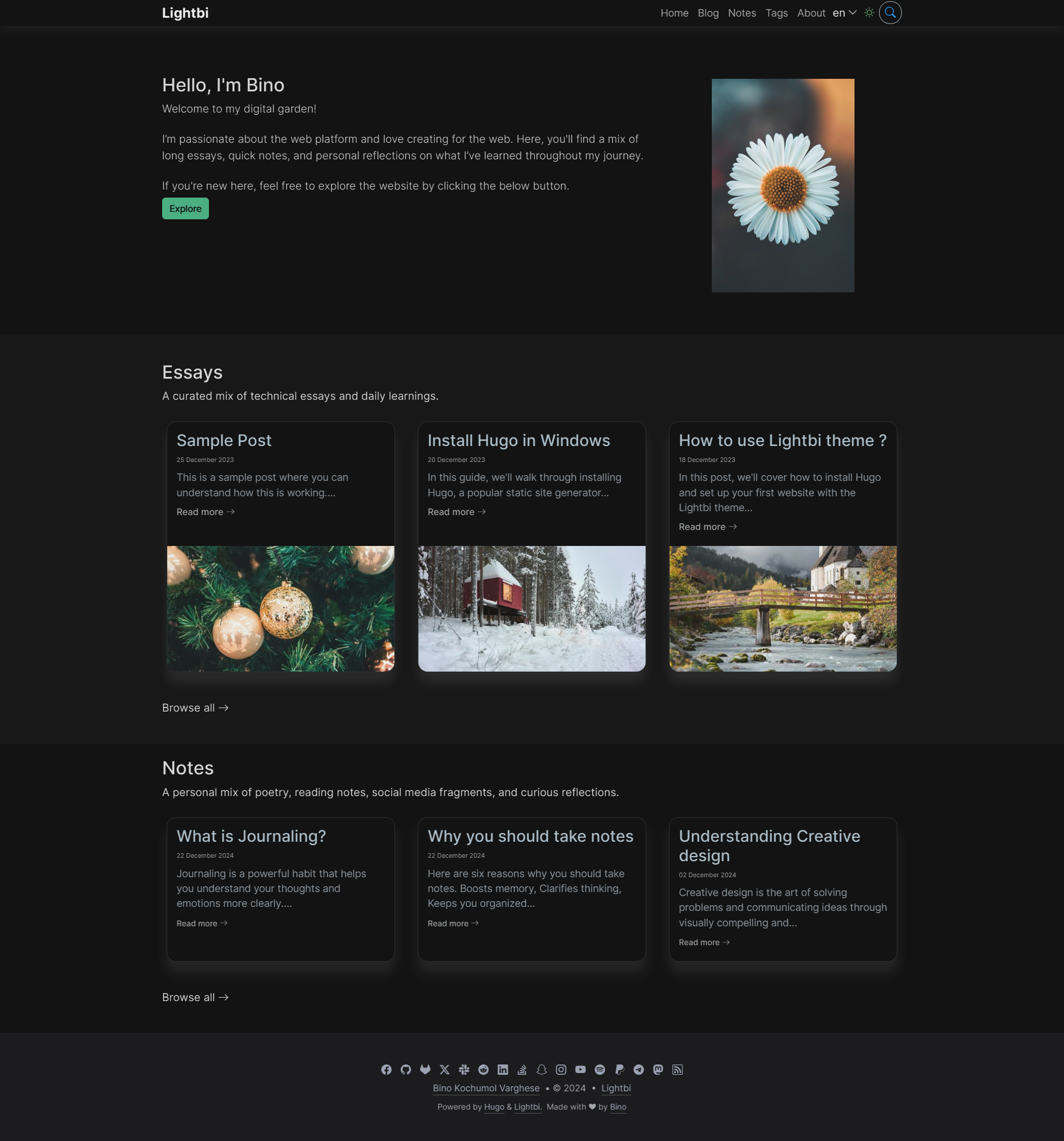
Features
Below are the features of Lightbi theme.
General
Two Modes:
- Profile
- Blog
Two Main Content Sections:
- Blog
- Notes
Responsive Design:
- Built with a mobile-first approach for seamless viewing on any device.
Card-Based Theme:
- Flexible image placement options:
- Image at the top of the card
- Image in the middle of the card
- Image at the bottom of the card
- No image option
- Flexible image placement options:
Image Gallery
You can add multiple images to your post and display them beautifully as a gallery.Menu Location Indicator:
Clear visual cues for active menu items.Multilingual Support:
Includes a language selector for easy switching between languages.Taxonomies:
Organize content effectively with customizable tags and categories.Search Functionality:
Integrated search option for quick content access.Light/Dark Theme:
- Automatic theme switching based on browser preferences.
- Includes a manual theme-switch button for user control.
Google Analytics Integration:
Track user activity with built-in support for Google Analytics.SEO-Friendly:
Optimized for search engines to improve visibility.Commit SHA in Footer:
Display the current commit SHA for version tracking.Self-Hosted Assets:
Compliant with GDPR / EU-DSGVO regulations by hosting all assets locally.Bootstrap Icons:
Beautiful, lightweight icons integrated with Bootstrap Icons.
Page
- Other Posts suggestion below a post.
- Social-Media Share buttons on posts.
- Syntax highlighting.
- Cover image for each post (with Responsive image support).
Configurations
Select theme mode
To configure the theme for either profile or blog mode, add the following under the params section in your hugo.toml file:
- Set
homepageLayout = "profile"for profile mode - Set
homepageLayout = "blog"for blog mode
Card based theme.
To customize the image placement within a card, the Lightbi theme offers four flexible options.
To configure this, use the previewCardImagePlacement parameter in the hugo.toml file. Set it as follows:
- For the image at the top:
previewCardImagePlacement = "top" - For the image in the middle:
previewCardImagePlacement = "middle" - For the image at the bottom:
previewCardImagePlacement = "bottom" - For no image:
previewCardImagePlacement = "none"
For more details about parameters you can check here.
Other links
- 🚹 Profile Demo repo
- 📝 Blog Demo repo
- 🐛 Bug reports & Issues
- 💡 Questions & feature requests
- 📄 Lightbi wiki
- 🕸️ Websites built with Lightbi
This theme is designed to help you build amazing websites with ease. I would love to hear your feedback and see your creations.
What are your thoughts on this post?
I’d love to hear from you! Contact me or Click this link to email me, I reply to every message!
Also use the share button below if you liked this post. It makes me smile, when I see it.