Lightbi Palettes
· updated
I love colors, and I spend a lot of time looking for the right palette for a website. And I am frequently changing the colors in my website and I never settled for one a single one.
Instead of keep changing the colors, I thought I can create a set of palettes for my Lightbi theme and I can apply the same here whenever I want.
So decided to create Lightbi Palettes, a collection of website palettes. So I can pick a palette and see how the whole site looks from the navigation bar, to footer. What you see is a real page, not a mockup or a screenshot.

Lightbi Palettes home page, wearing the Forest palette
App Link
- 🎨 Lightbi Palettes
- 😎 Lightbi Hugo Theme, the theme it is built on
Screenshots
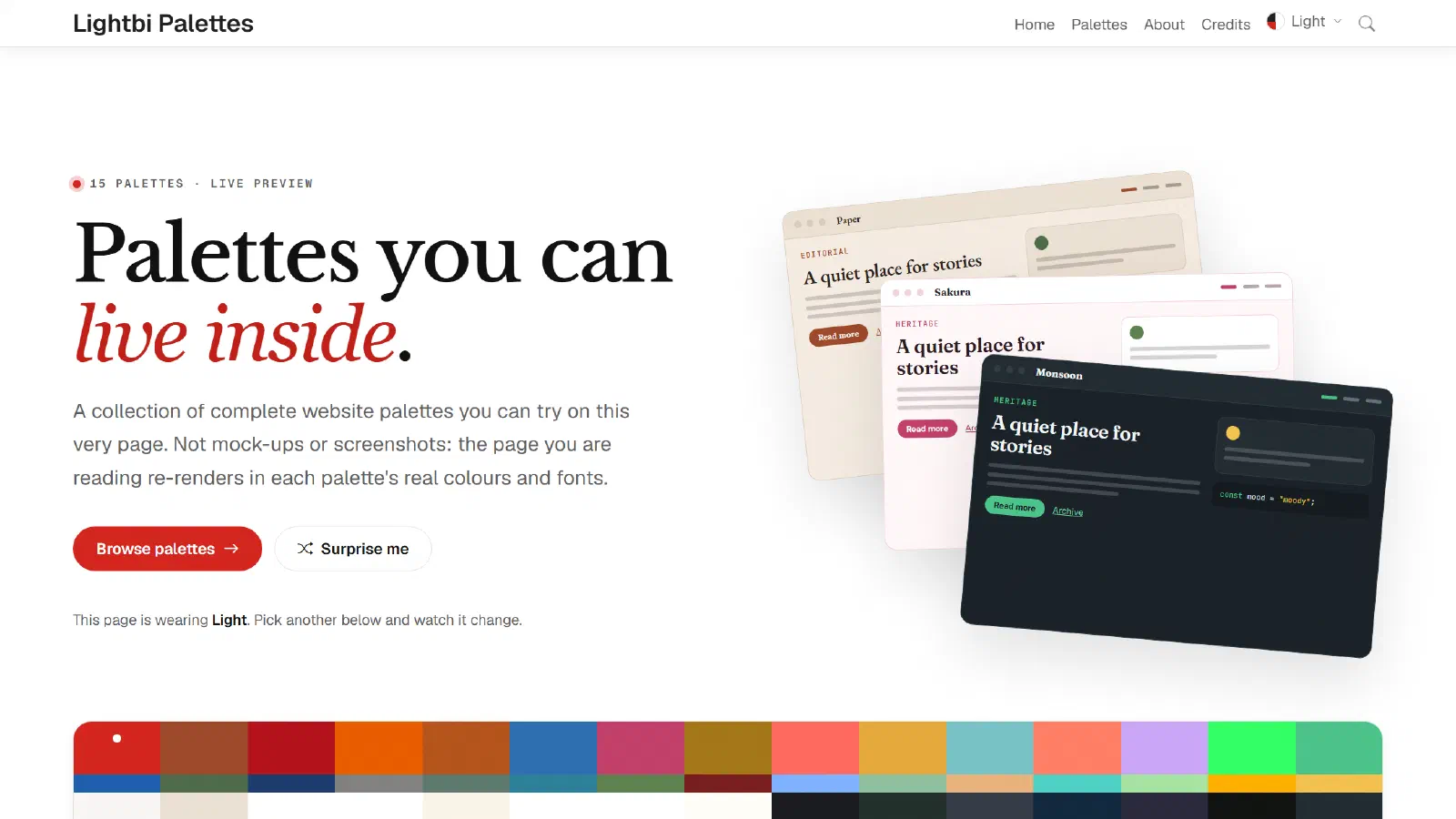
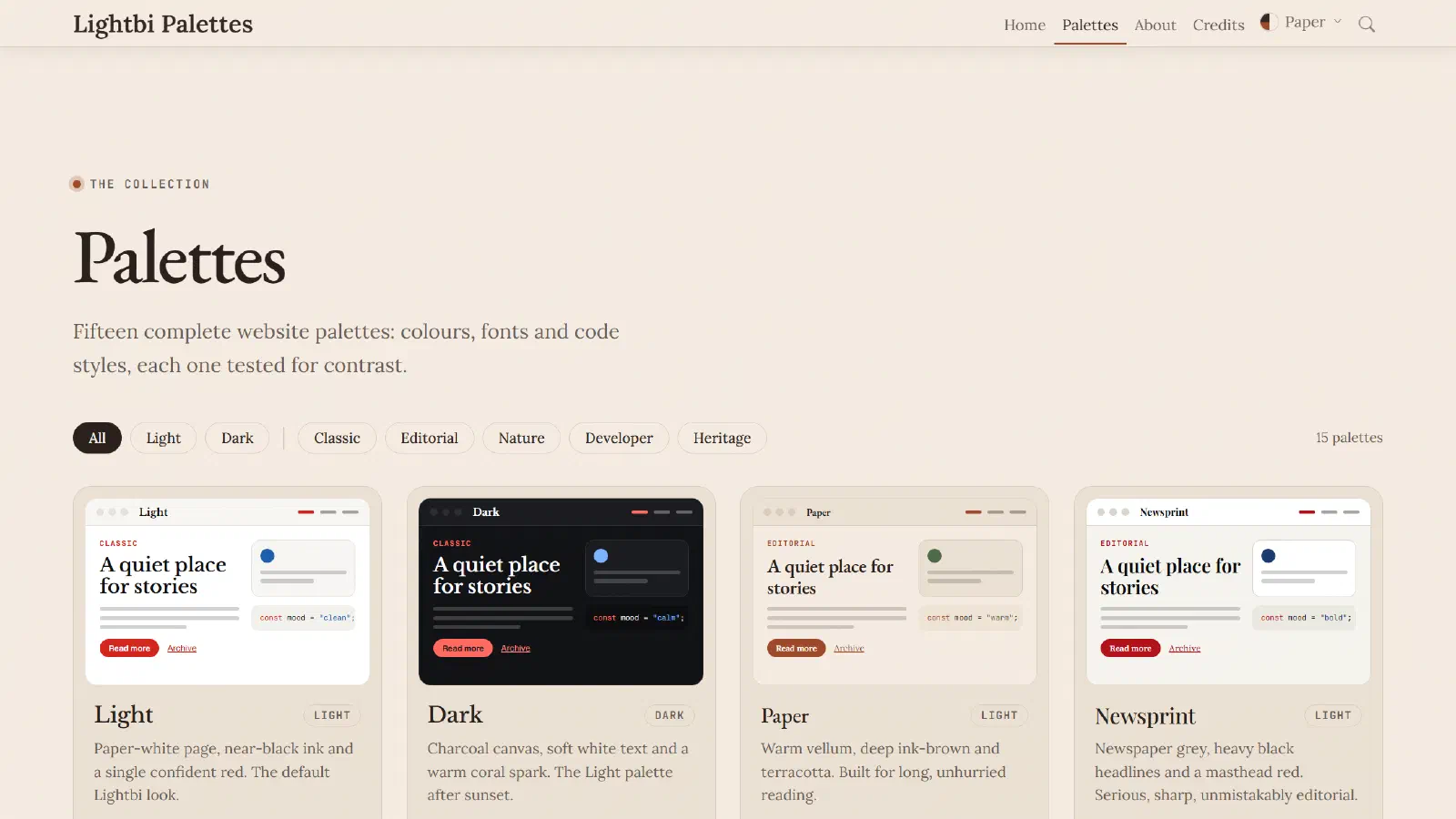
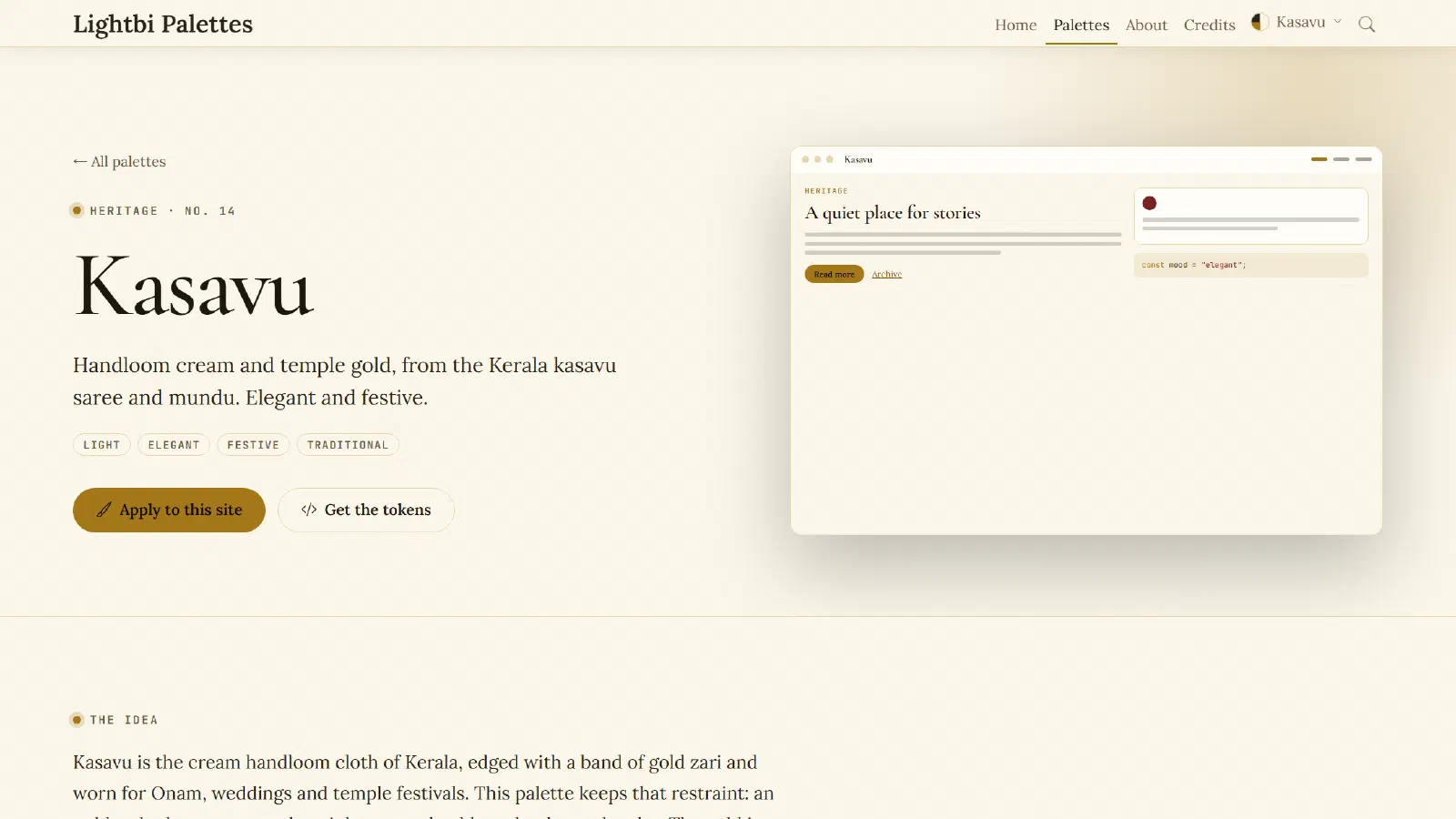
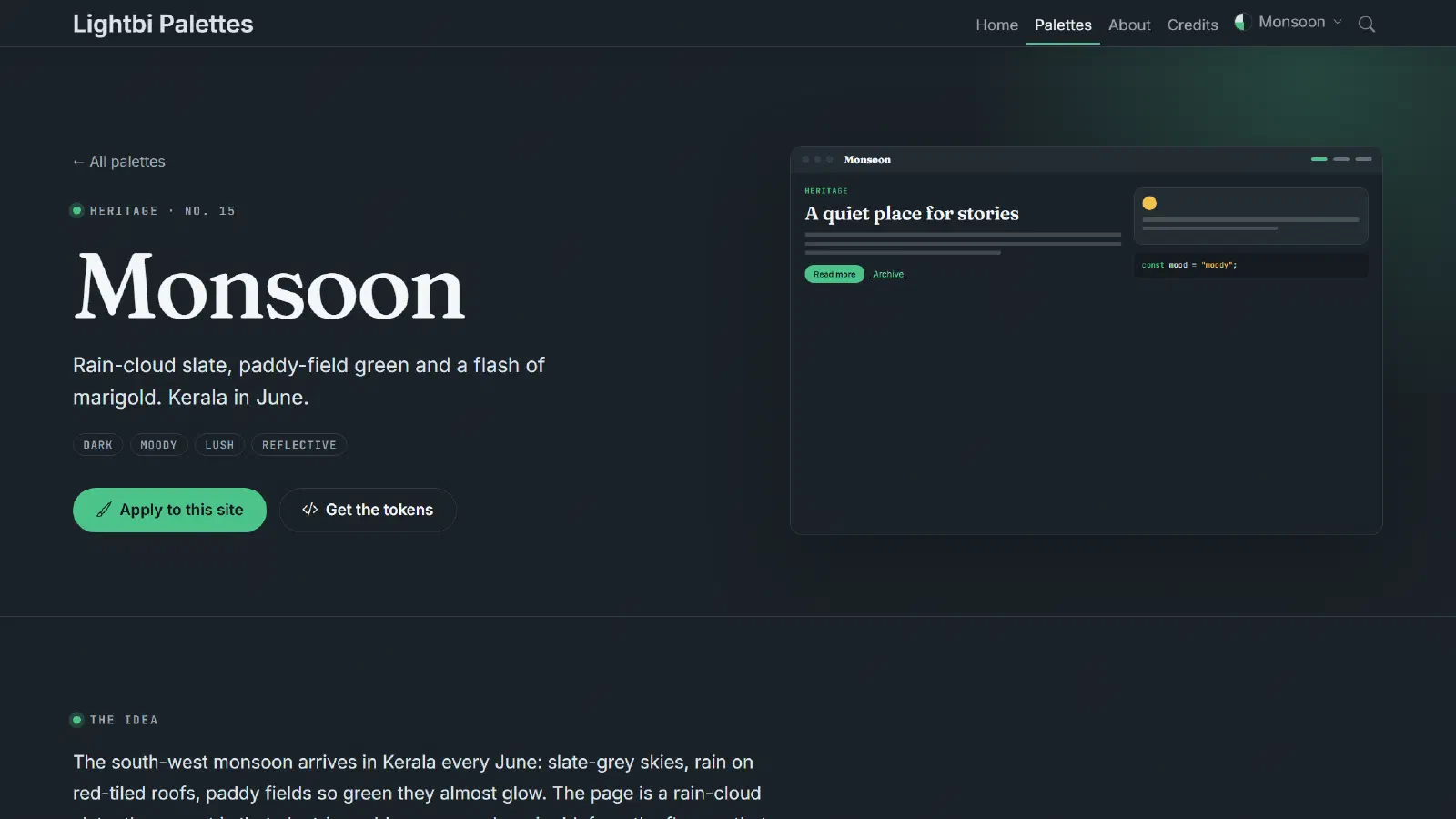
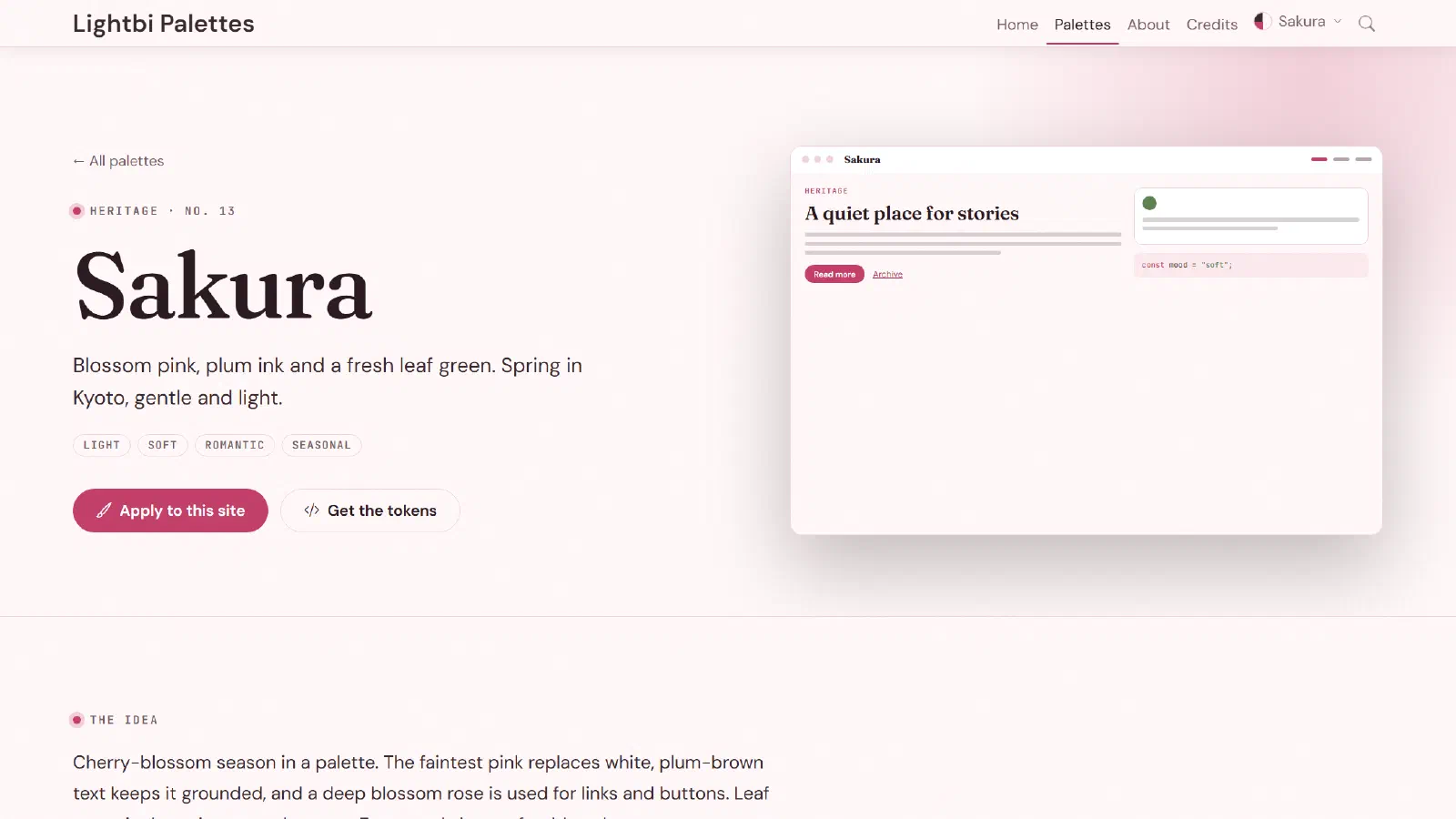
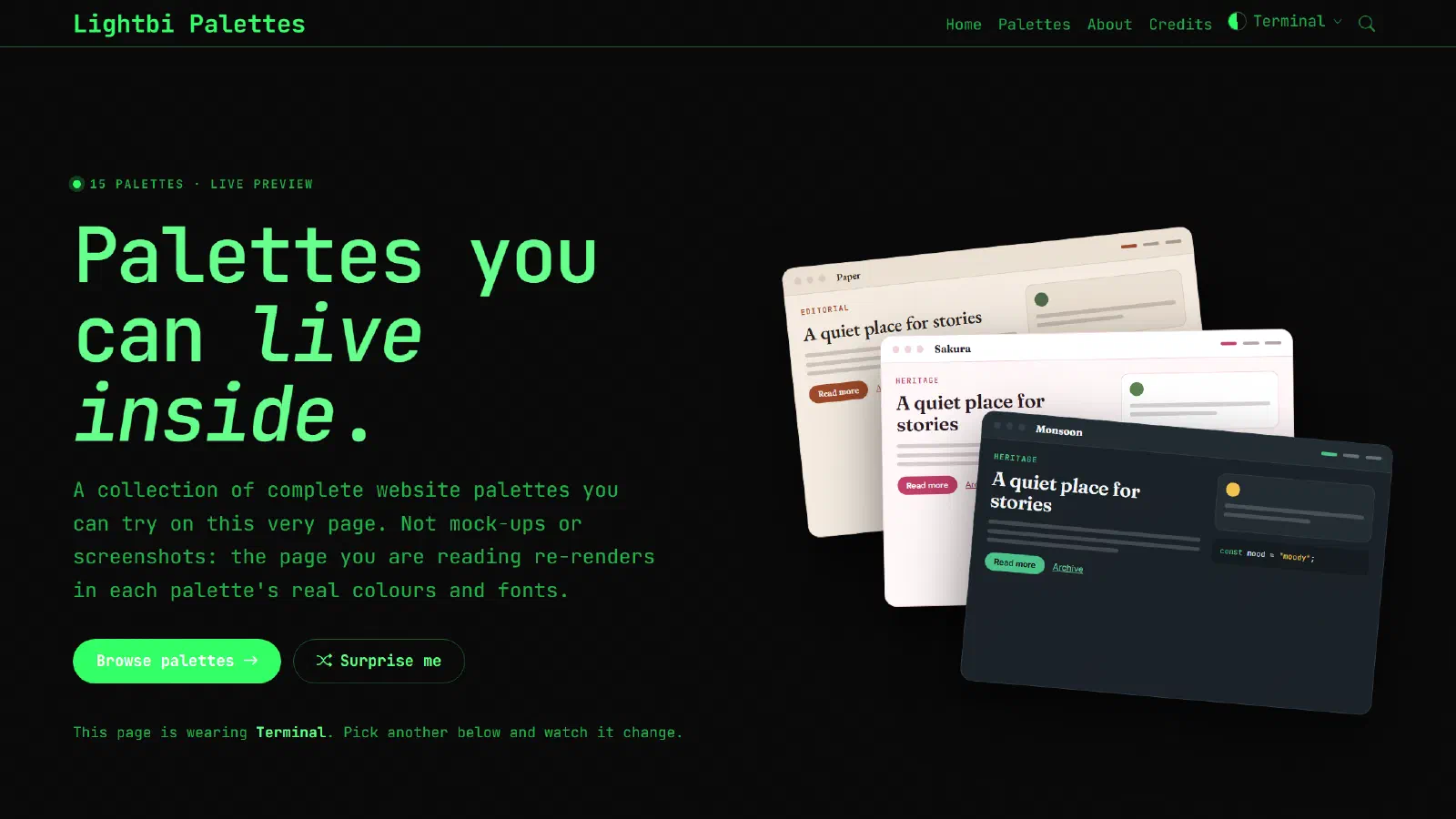
The palettes
There are fifteen palettes in five families, eight light and seven dark.
- Classic: Light, Dark
- Editorial: Paper, Newsprint, Newsboard
- Nature: Forest, Mountain, Ocean, Dune, Arctic
- Developer: Code, Terminal
- Heritage: Sakura, Kasavu, Monsoon
What every palette has
- Eleven colour roles: background, raised and recessed surfaces, text, headings, muted text, two accents, links, borders, and the text colour for buttons.
- A font pairing: heading, body and monospace. All the fonts are self-hosted, so no requests go to Google or any other font service.
- Contrast scores: every important colour pair is checked against the WCAG accessibility guidelines when the site is built, so you know a palette is readable before you use it.
- Copy-ready tokens: CSS variables, a Tailwind CSS 4 theme, and JSON, one click to copy.
Features
- Live preview: the palette picker in the menu re-colours the whole site, and remembers your choice.
- Surprise me: a button that puts on a random palette.
- Browse and filter: filter the collection by light or dark, or by family.
- Shareable links: add
?palette=and a palette name to any address, like ?palette=monsoon, to show the site in that palette. - Light and dark: every palette works for long reading, and for code.
How it is built
The site runs on Hugo and my Lightbi theme. Each palette is one small data file with its colours and fonts. From those files Hugo builds everything else: the stylesheet, the palette pages, the picker, and the contrast checks. Adding a new palette is just adding one file.
I would love to hear which palette you like the most. And if you use one of them on your own website, please let me know.
Leave a comment